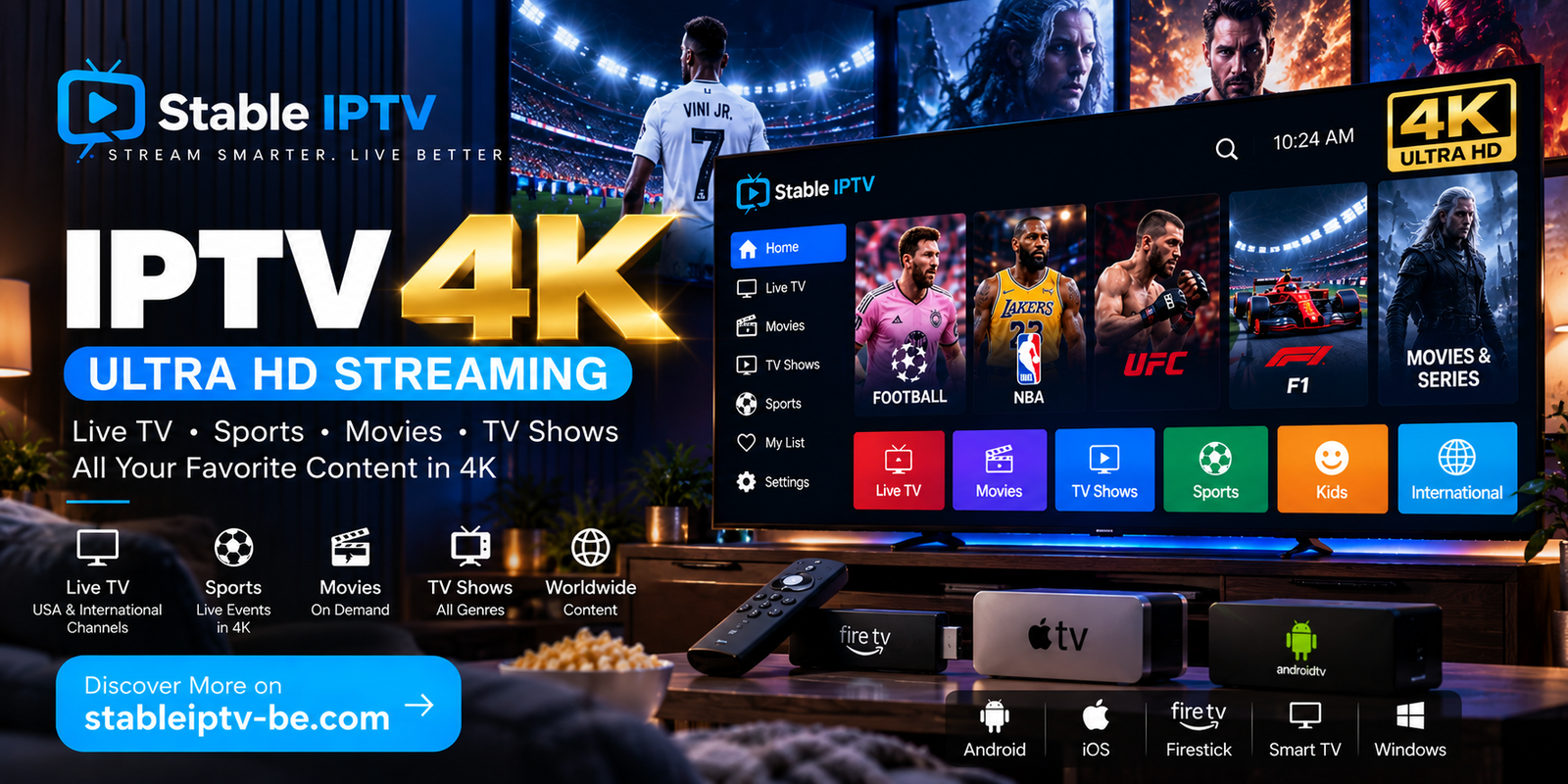
The demand for IPTV 4K continues to grow as more viewers upgrade to 4K Smart TVs and streaming devices. Watching live television, sports, movies and entertainment in Ultra HD can provide a noticeably sharper and more immersive experience, especially on larger screens.
However, getting a good 4K IPTV experience requires more than simply owning a 4K television.
You need a reliable IPTV service, sufficient internet bandwidth, a compatible streaming device and a high-quality source.
If you are looking for an IPTV service for your streaming setup, you can explore the available options at Stable IPTV.
In this guide, we explain everything you should know about IPTV 4K, including internet requirements, devices, IPTV players, HEVC compression and how to reduce buffering.
What Is IPTV 4K?
IPTV 4K refers to IPTV content delivered at resolutions up to 4K Ultra HD through an internet connection.
IPTV stands for Internet Protocol Television.
Instead of receiving television through traditional satellite or cable infrastructure, IPTV uses an internet connection to deliver compatible television streams to your device.
4K Ultra HD generally refers to a resolution of approximately:
3840 × 2160 pixels
That represents four times the total number of pixels found in standard Full HD 1080p video.
The result can be a much sharper image, particularly on large televisions.
IPTV 4K vs Full HD IPTV
The biggest difference is resolution.
| Feature | Full HD IPTV | IPTV 4K |
|---|---|---|
| Resolution | 1920 × 1080 | 3840 × 2160 |
| Picture Detail | Very Good | Excellent |
| Bandwidth Usage | Moderate | Higher |
| Hardware Requirements | Lower | Higher |
| Large TV Experience | Good | Excellent with a quality source |
| HEVC Support | Helpful | Highly Recommended |
However, resolution does not tell the entire story.
Bitrate, compression, frame rate and original source quality can significantly affect how a stream actually looks.
A high-quality 1080p stream can sometimes look better than a heavily compressed stream advertised as 4K.
Is Every IPTV 4K Stream Really Native 4K?
No.
This is one of the most important things IPTV users should understand.
A stream can be labeled “4K” without originating from a native 4K source.
Some content may originally be HD or Full HD and then be upscaled to a 4K output resolution.
Native 4K means the original content was actually produced or distributed at approximately 3840 × 2160 resolution.
Upscaling, on the other hand, increases the output resolution without creating the same amount of genuine image detail.
For this reason, do not choose an IPTV provider based exclusively on the number of channels carrying a 4K label.
Source quality and streaming stability matter too.
What Do You Need for IPTV 4K?
A proper IPTV 4K setup normally requires several components working together.
1. A 4K Television
Your display needs to support 3840 × 2160 resolution to show the full detail of native 4K content.
2. A 4K-Capable Device
Your streaming hardware needs to decode high-resolution video efficiently.
3. A Reliable IPTV Subscription
The provider must have access to compatible high-quality sources.
4. A Stable Internet Connection
4K requires substantially more bandwidth than ordinary HD video.
5. A Compatible IPTV Player
The application needs to support the format and codec used by your IPTV provider.
If one of these components cannot handle 4K properly, the quality of the overall experience can decrease.
How Much Internet Speed Does IPTV 4K Need?
Internet speed is extremely important for Ultra HD IPTV.
The exact bandwidth required depends on the bitrate and video compression used by the stream.
Efficiently compressed 4K video can often require roughly 15–25 Mbps or more per stream, while higher-bitrate sources can require substantially more.
It is therefore useful to have additional bandwidth rather than relying on the absolute minimum.
For example, your home connection may simultaneously be used for:
- IPTV
- YouTube
- Gaming
- Smartphones
- Video calls
- Cloud backups
- Downloads
All of these activities share your available bandwidth.
A fast advertised internet package also does not automatically guarantee stable IPTV. Connection consistency, latency, Wi-Fi quality and network congestion can all affect streaming.
What Is H.265 / HEVC?
When researching IPTV 4K, you will frequently encounter the terms H.265 and HEVC.
HEVC stands for High Efficiency Video Coding.
H.265 is designed to compress video more efficiently than older standards such as H.264.
This is particularly useful for 4K.
Without efficient compression, Ultra HD video would consume significantly more bandwidth.
For IPTV users, choosing hardware with native H.265/HEVC decoding support can therefore provide better performance.
Best Devices for IPTV 4K
Several modern streaming devices can handle Ultra HD IPTV when used with compatible applications and sources.
Amazon Fire TV Stick 4K
Fire TV Stick 4K devices are popular because they combine 4K support with a compact form factor and access to compatible streaming applications.
Apple TV 4K
Apple TV 4K provides powerful hardware and high-resolution video support.
NVIDIA Shield TV
NVIDIA Shield TV remains a powerful Android-based streaming device with support for modern video formats.
Android TV and Google TV
Many Android TV and Google TV devices support 4K and HEVC.
Performance varies depending on the hardware, so extremely cheap boxes may not provide the same experience as more capable devices.
4K Smart TVs
Many modern Smart TVs can run IPTV player applications directly.
An external streaming device can still be useful when you want additional application flexibility or stronger hardware.
IPTV 4K on Firestick
Amazon Fire TV devices are especially popular for IPTV.
If you want Ultra HD streaming, make sure you have a model that specifically supports 4K output.
A typical setup works like this:
IPTV Subscription → IPTV Player → Firestick 4K → 4K TV
You install a compatible IPTV application, enter the credentials supplied by your provider and allow the application to load the available content.
Your Firestick being capable of 4K does not automatically make every IPTV channel 4K.
The original source also needs to be available at the appropriate resolution.
Best IPTV Player for 4K
An IPTV player is the application used to organize and play the content supplied through your IPTV subscription.
Popular options include IPTV applications supporting:
- Xtream Codes
- M3U playlists
- EPG
- Live TV
- Movies
- Series
- Favorites
- Multiple video formats
IPTV Smarters Pro is one popular option for users whose IPTV provider supplies compatible Xtream Codes or M3U credentials.
Another popular option among Android TV users is TiviMate.
The best IPTV player depends on your device and preferences.
Remember that IPTV players generally do not provide the television subscription themselves. You still need compatible credentials from an IPTV provider.
IPTV 4K for Sports
Sports are one of the types of content that can benefit most from high-quality streaming.
Football, basketball, American football, Formula 1, boxing, MMA, tennis and other sports contain constant movement and fine details.
However, resolution is only one part of sports streaming quality.
Frame rate matters too.
For fast-moving sports, a smooth 50fps or 60fps stream can sometimes provide a better experience than a lower-frame-rate stream with a higher resolution.
When comparing IPTV sports streams, consider:
- Resolution
- Frame rate
- Bitrate
- Source quality
- Server stability
The best experience comes from a good combination of all five.
Why Does IPTV 4K Buffer?
There is no single cause of IPTV buffering.
Possible causes include:
Weak Wi-Fi
Your internet package may be fast, but a weak wireless signal can prevent your streaming device from receiving that bandwidth consistently.
Network Congestion
Other devices can consume bandwidth while you are watching IPTV.
Streaming Device Limitations
Older devices may struggle to decode high-bitrate 4K video.
Server or Source Problems
The original stream or IPTV server can also experience temporary performance issues.
Internet Provider Congestion
Network performance can sometimes change during busy periods.
Identifying the actual cause is important before trying to fix the problem.
How to Reduce Buffering on IPTV 4K
There are several ways to improve your setup.
Use Ethernet whenever practical. A wired connection is usually more consistent than Wi-Fi for a stationary television.
Use a strong Wi-Fi connection. If Ethernet is impossible, modern 5 GHz or newer Wi-Fi standards can provide excellent performance when signal strength is good.
Stop unnecessary downloads. Large downloads and cloud backups can consume bandwidth.
Restart your router and streaming device. This can resolve temporary networking problems.
Use capable hardware. Make sure your streaming device supports hardware decoding for the codec used by your streams.
Check other streams. If only one channel buffers while everything else works correctly, the problem may be related to that particular source rather than your internet connection.
IPTV 4K with Xtream Codes
Many IPTV providers supply subscriptions through Xtream Codes-compatible credentials.
These usually include:
- Server URL
- Username
- Password
You enter this information into a compatible IPTV player.
The application can then retrieve the Live TV, movie and series categories supplied by your provider.
Xtream Codes itself does not determine whether a stream is 4K.
It is simply a method used to connect your subscription to a compatible player.
The actual video quality depends on the source provided through the service.
IPTV 4K with M3U
M3U is another common connection method.
Instead of entering a server, username and password separately, you generally receive a playlist URL.
Compatible IPTV applications can read the playlist and display the available streams.
Both M3U and Xtream Codes can work with 4K content.
Neither format automatically provides better video quality.
IPTV 4K: Ethernet vs Wi-Fi
For a permanent home entertainment setup, Ethernet is usually the safest choice.
It provides a direct connection between your streaming device and router.
Modern Wi-Fi can still handle 4K IPTV very well.
If you use Wi-Fi, performance depends on:
- Router quality
- Signal strength
- Distance
- Walls
- Interference
- Number of connected devices
If your IPTV works perfectly in Full HD but frequently buffers in 4K, testing an Ethernet connection can help determine whether Wi-Fi is the bottleneck.
How to Choose an IPTV 4K Service
Do not choose a provider based only on enormous advertised channel numbers.
Instead, consider the overall experience.
Look for:
- Reliable streaming
- Good source quality
- 4K and Full HD options
- Device compatibility
- Xtream Codes or M3U compatibility
- Customer support
- Sports availability
- Movies and series availability
- Easy setup
A smaller number of reliable streams can be more valuable than thousands of channels that rarely work correctly.
Frequently Asked Questions About IPTV 4K
What is IPTV 4K?
IPTV 4K refers to IPTV content delivered at resolutions up to approximately 3840 × 2160 through an internet connection.
Do I need a 4K TV for IPTV 4K?
Yes, if you want to display the full resolution of native 4K content.
What internet speed do I need for IPTV 4K?
Requirements depend on compression and bitrate, but a 4K HEVC stream can commonly require around 15–25 Mbps or more of sustained bandwidth. Additional bandwidth is recommended when other devices share the connection.
Is IPTV 4K better than Full HD?
Native 4K can provide considerably more image detail, particularly on large televisions. However, bitrate, frame rate, compression and source quality also influence picture quality.
Can Firestick play IPTV 4K?
A 4K-capable Fire TV device can play compatible 4K streams when used with suitable software, a 4K display and sufficient internet bandwidth.
Does IPTV Smarters Pro support 4K?
An IPTV player can play compatible high-resolution streams when the application, device, codec and source support them. The actual content quality is determined primarily by the stream supplied by your IPTV provider.
Why does 4K IPTV keep buffering?
Possible causes include insufficient bandwidth, unstable Wi-Fi, network congestion, device limitations or problems with the IPTV server or original source.
Is H.265 better for IPTV 4K?
HEVC/H.265 is particularly useful for high-resolution streaming because it can provide efficient video compression, reducing the bandwidth required compared with less efficient codecs at comparable quality levels.
Final Thoughts on IPTV 4K
IPTV 4K can provide an impressive television experience, particularly for viewers using large Ultra HD displays.
But a 4K label alone does not guarantee excellent quality.
The best experience comes from combining a reliable IPTV source with sufficient internet bandwidth, efficient HEVC compression, capable streaming hardware and a good IPTV player.
Stability should remain a priority. A stable high-quality Full HD stream can provide a better experience than an unreliable stream simply advertised as 4K.
If you are looking for an IPTV subscription for sports, live television, movies and entertainment across compatible devices, explore the available options at Stable IPTV.